


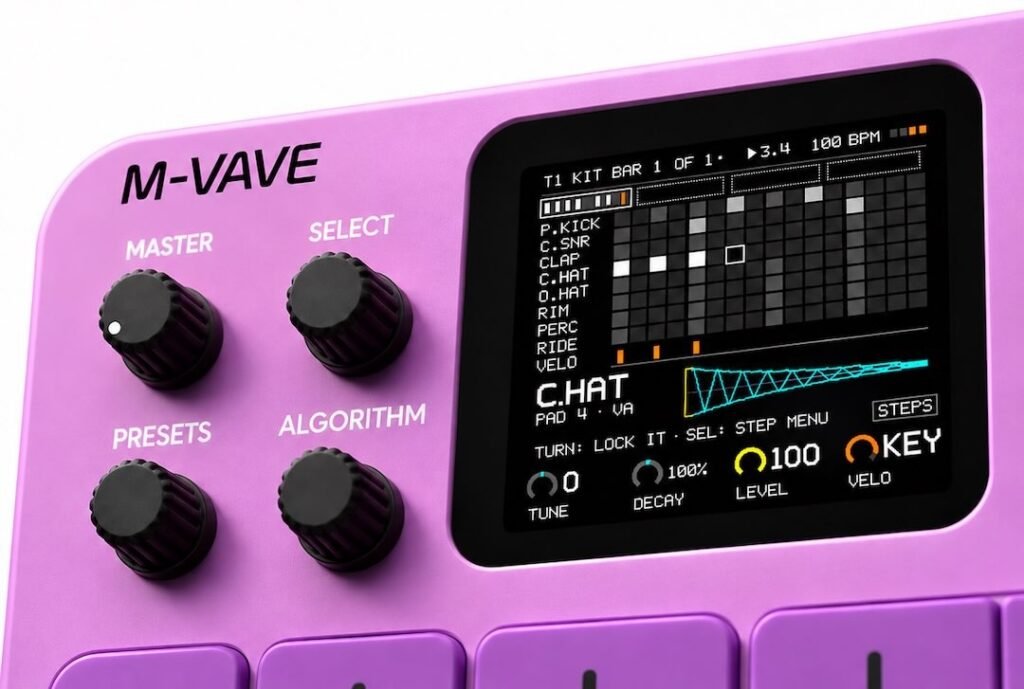
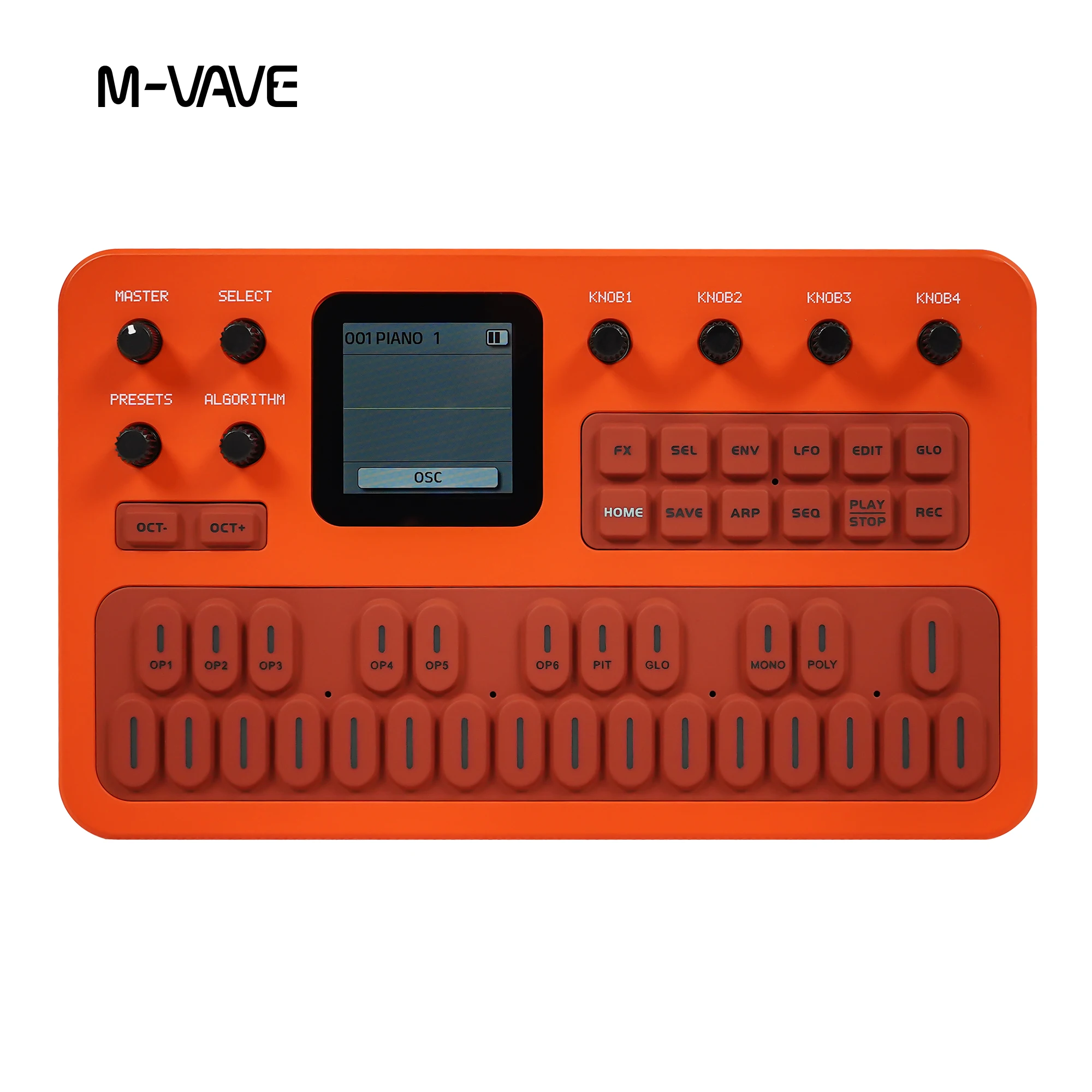
The M-VAVE FM-1 is already a surprisingly capable portable FM synthesizer. But what if you could turn it into a completely different music-making machine?
Thanks to an active community of developers, the FM-1 has a growing collection of alternative firmware projects. These upgrades can add new synthesizer engines, drum machines, samplers, sequencers and even complete groovebox workflows.
The best part? Most of them are completely free.
Whether you’re making lo-fi beats, electronic music, ambient soundscapes or experimenting with synthesizers, here are five firmware upgrades worth checking out for your M-VAVE FM-1.
Note: These are firmware upgrades, not regular computer applications. Installing alternative firmware changes the operating system running on your FM-1.
1. SLOOP – Turn Your FM-1 Into a Free Groovebox
Best for: Beatmaking, live jamming and electronic music
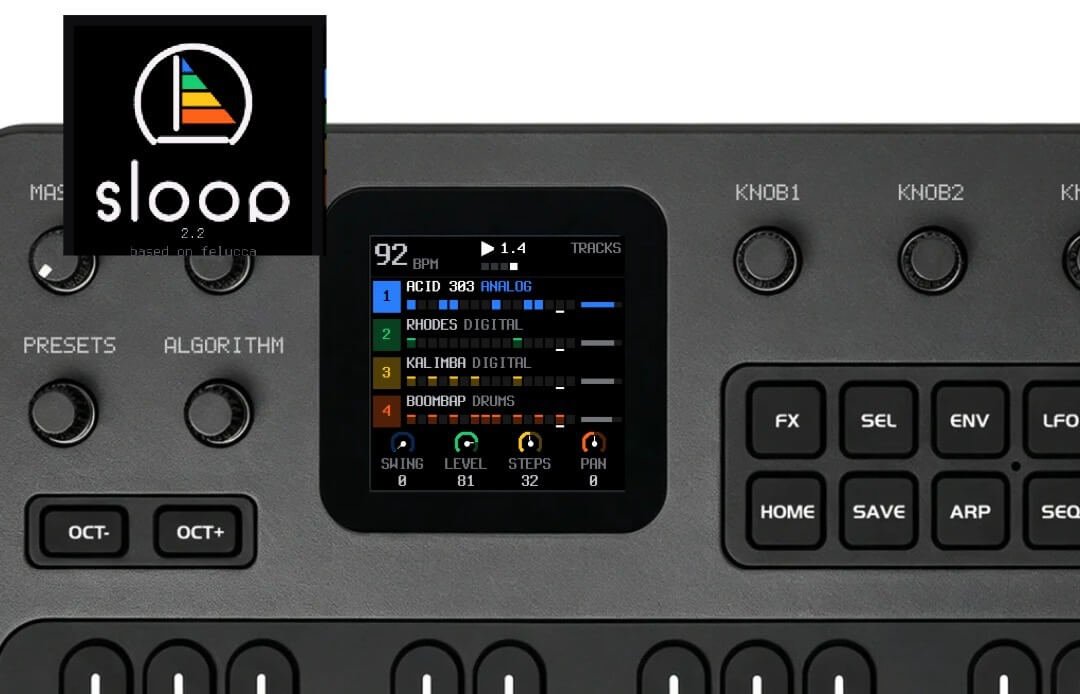
If you’re looking for the most exciting free upgrade for your FM-1, SLOOP is an excellent place to start.
SLOOP transforms the FM-1 into a four-track groovebox with three synthesizer tracks and a dedicated drum track. Instead of simply playing sounds and presets, you can build complete musical ideas directly on the device.
The workflow is designed for experimentation and live performance. You can layer sounds, create drum patterns, build basslines and play chords without needing a computer.
Key features:
- Four-track groovebox with three synth tracks and one drum track
- Multiple synthesis engines
- Built-in drum machine with different drum kits
- Step sequencing and live recording
- Song mode with four sections
- Built-in effects and performance controls
- Sample playback and USB audio
- MIDI connectivity
SLOOP is particularly interesting for lo-fi producers, beatmakers and electronic musicians who want a portable music-making setup.
You can experiment with everything from hip-hop and ambient music to house, techno and synthwave.
Price: FREE
Get it: SLOOP – Official GitHub Project
FM-1 All Black Available at Uniqtone Here
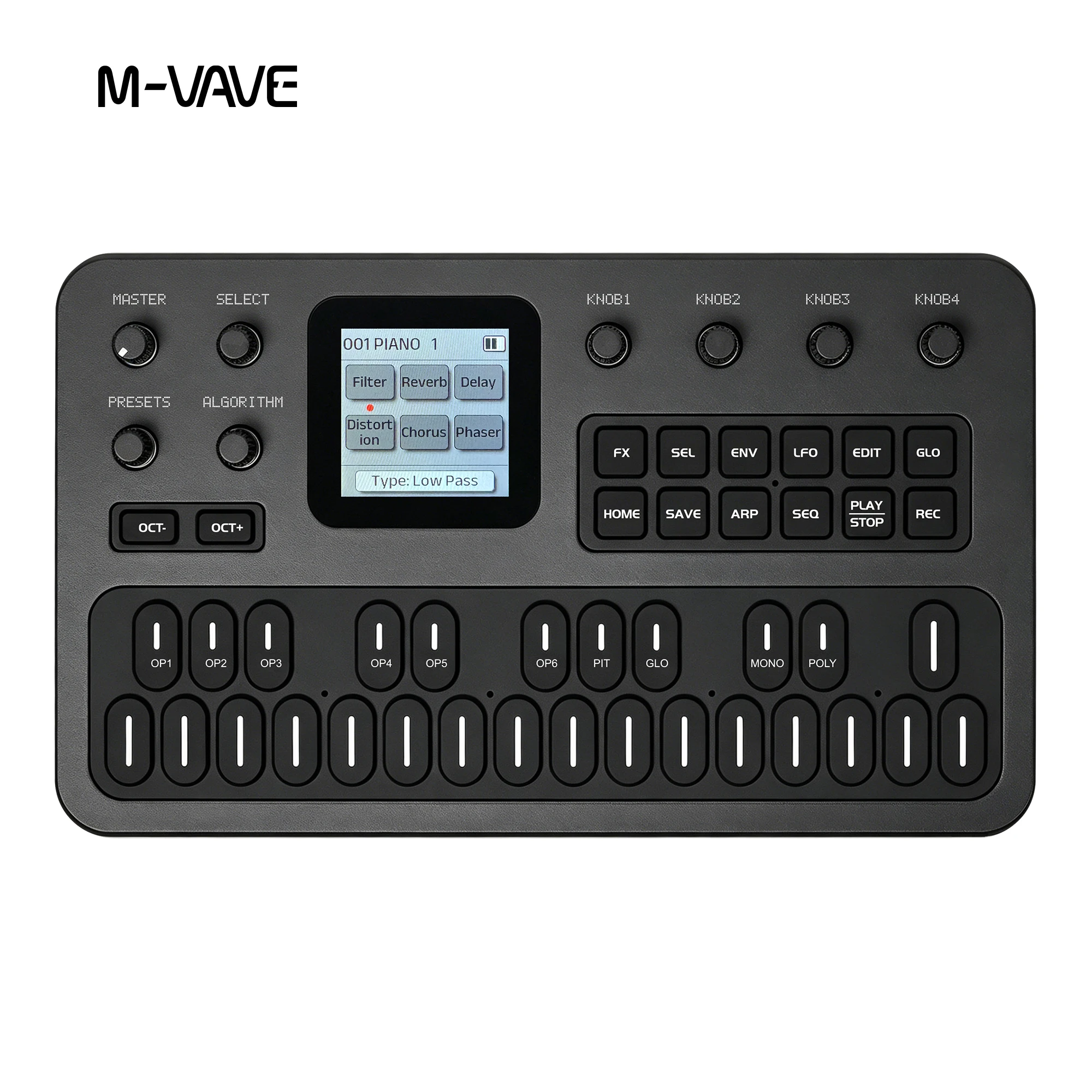
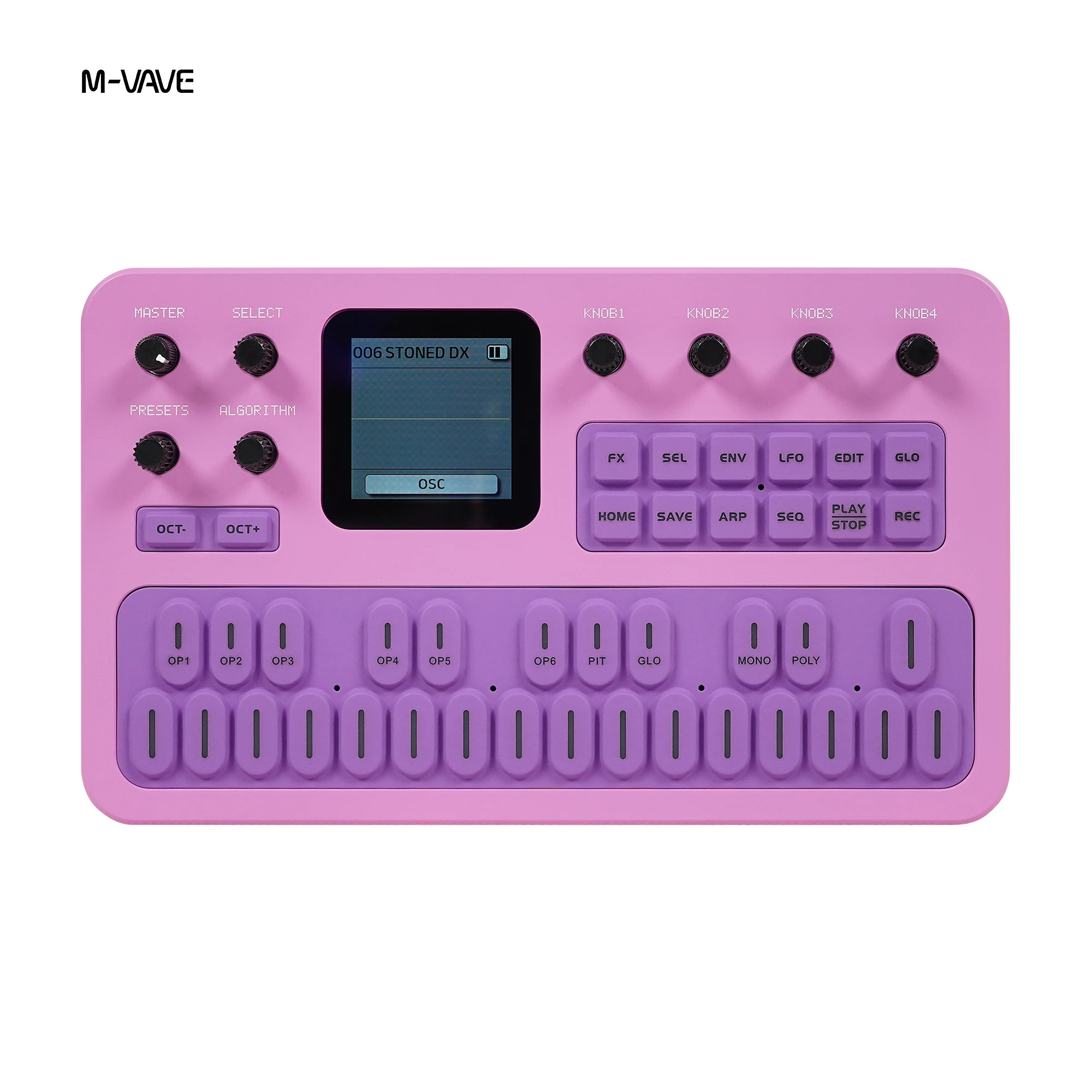
2. Baud Girl FM-1+VA – Add Virtual Analog and 8-Bit Sounds
Best for: Synth lovers, chiptune and electronic music
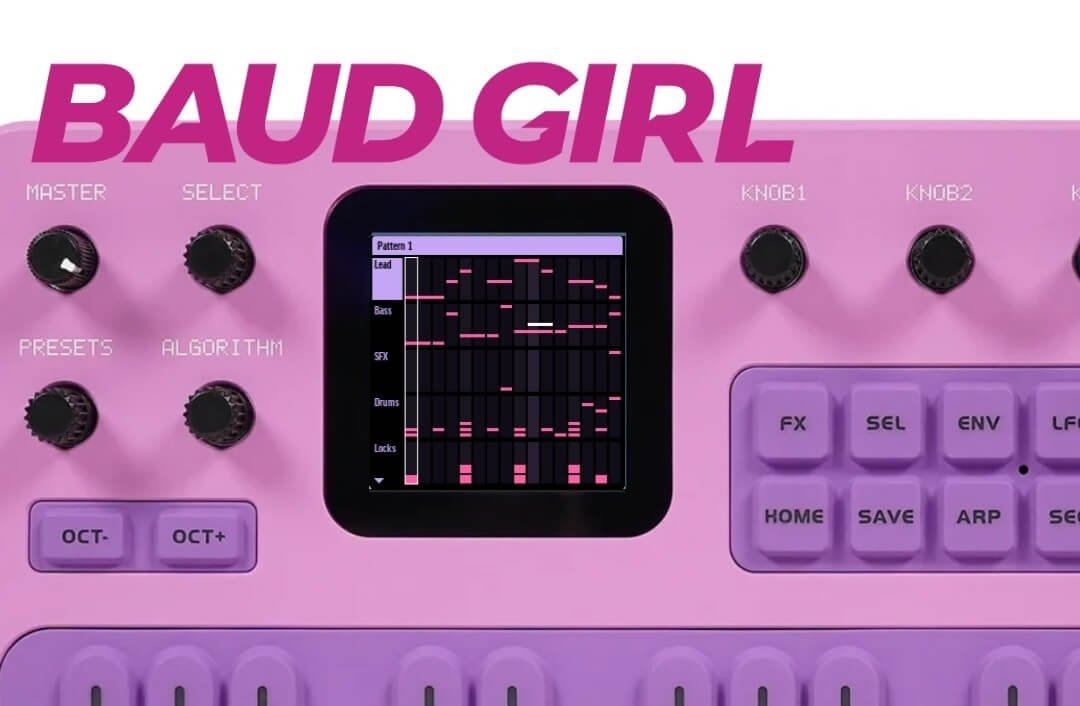
Baud Girl FM-1+VA is another excellent free firmware upgrade that expands the original FM-1 with additional sound-generation possibilities.
Unlike some alternative firmware projects that completely replace the original experience, Baud Girl focuses on improving the existing FM-1 while introducing two additional sound engines.
These include Virtual Analog synthesis and an 8-Bit engine, opening up new possibilities for electronic music, retro gaming sounds and experimental sound design.
Key features:
- Retains the original FM synthesis engine
- Adds a Virtual Analog synthesizer engine
- Adds an 8-Bit sound engine
- Improved performance-oriented features
- Additional sound-design possibilities
- Useful for chiptune, trance and acid-inspired sounds
The 8-Bit engine is especially interesting if you enjoy retro video game sounds, square-wave melodies and classic digital textures.
If you want to keep the familiar FM-1 experience while expanding its sonic possibilities, Baud Girl is well worth trying.
Price: FREE
Get it: Baud Girl – Official Website
FM-1 Purple Available at Uniqtone Here
3. FM-1 Open – M-VAVE’s Official Open Firmware
Best for: Multi-track production and experimentation
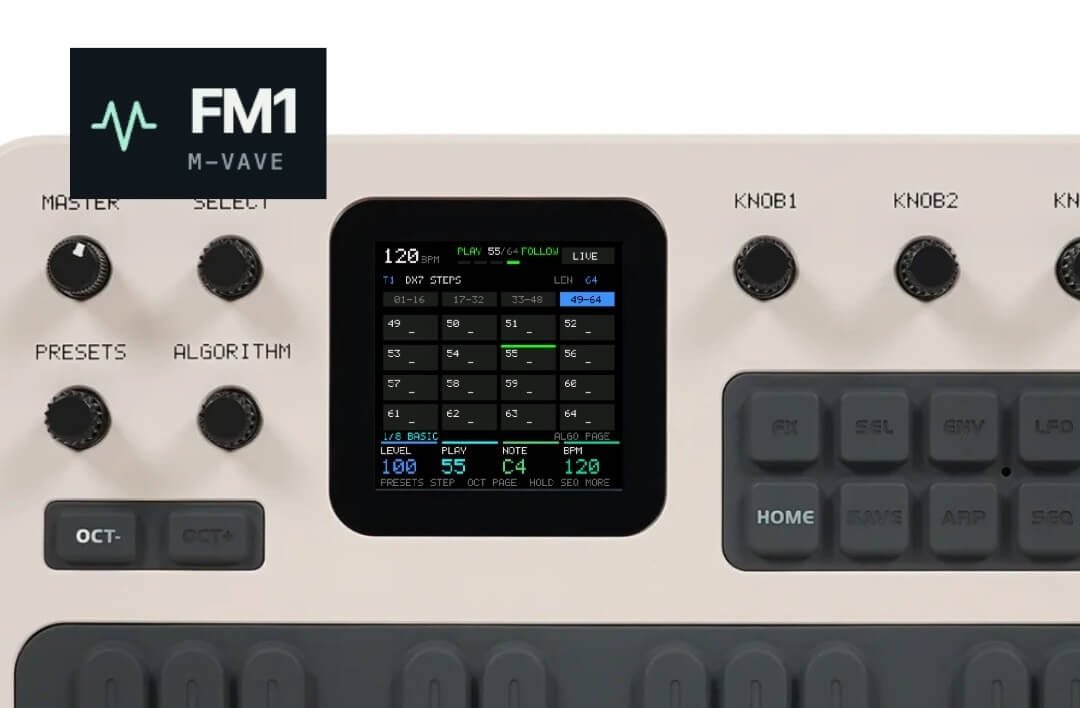
One of the most interesting developments for the FM-1 is M-VAVE’s own open firmware project.
FM-1 Open takes the synthesizer in a new direction by introducing a more comprehensive groovebox-style environment.
Instead of focusing exclusively on FM synthesis, it brings together multiple sound engines and sequencing capabilities, allowing you to experiment with different types of electronic sounds.
Key features:
- Eight-track workflow
- DX7-style FM synthesis
- Multiple sound engines
- 808-inspired drum sounds
- 303-inspired bass sounds
- PSG and pluck-style sounds
- Eight sample slots
- Open-source development project
The biggest attraction is the variety of sounds available within one compact device.
You can experiment with basslines, percussion, melodies and different synthesized textures without relying on external instruments.
It’s also particularly interesting because this is M-VAVE’s own open firmware initiative, rather than an independent community modification.
If you want to explore the FM-1 beyond its original synthesizer design, this is definitely one to watch.
Price: FREE
Get it: FM-1 Open – Official M-VAVE GitHub
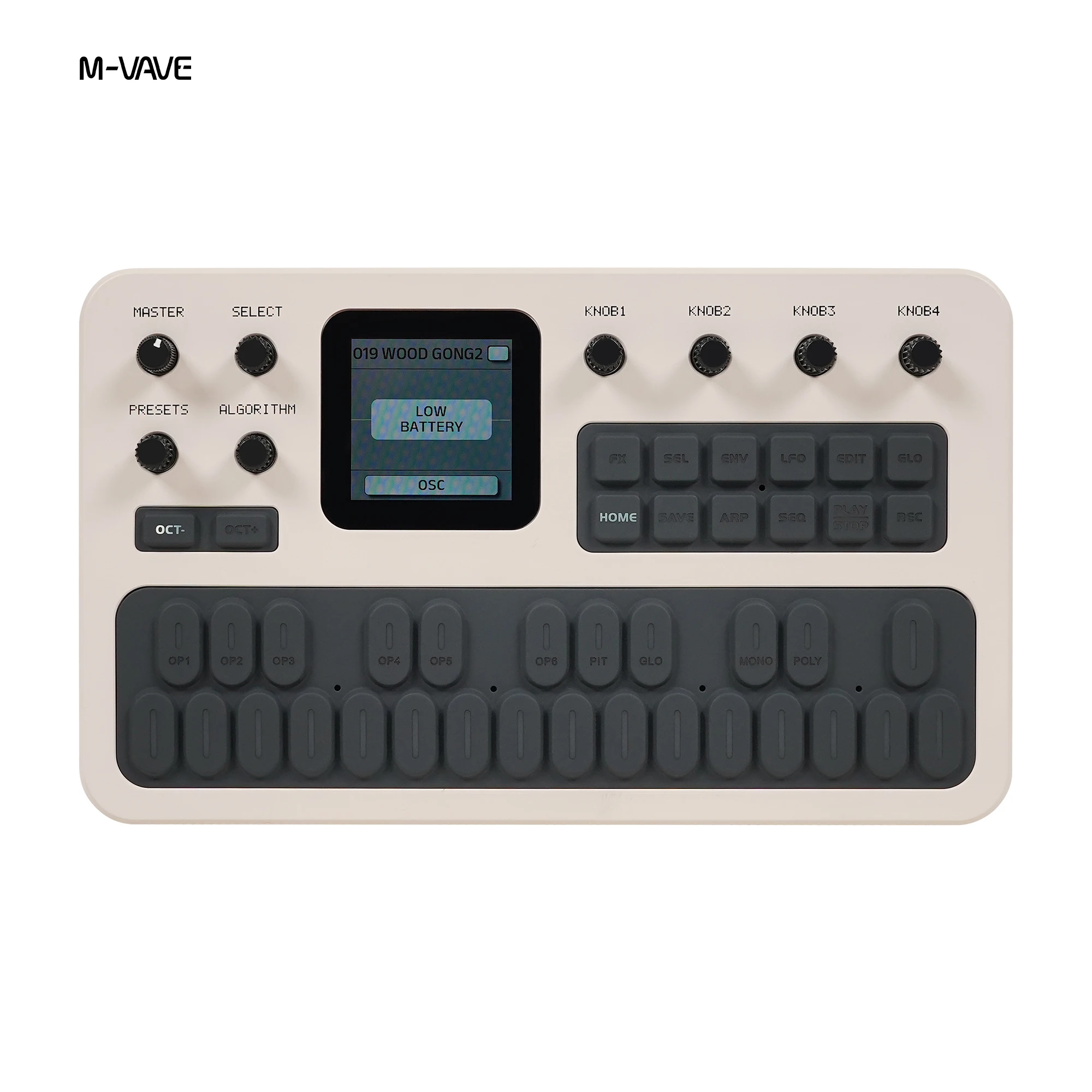
FM-1 White Gray Available at Uniqtone Here
4. X0X – Create Classic 808, 909 and 303 Sounds
Best for: Techno, house, acid and electronic music
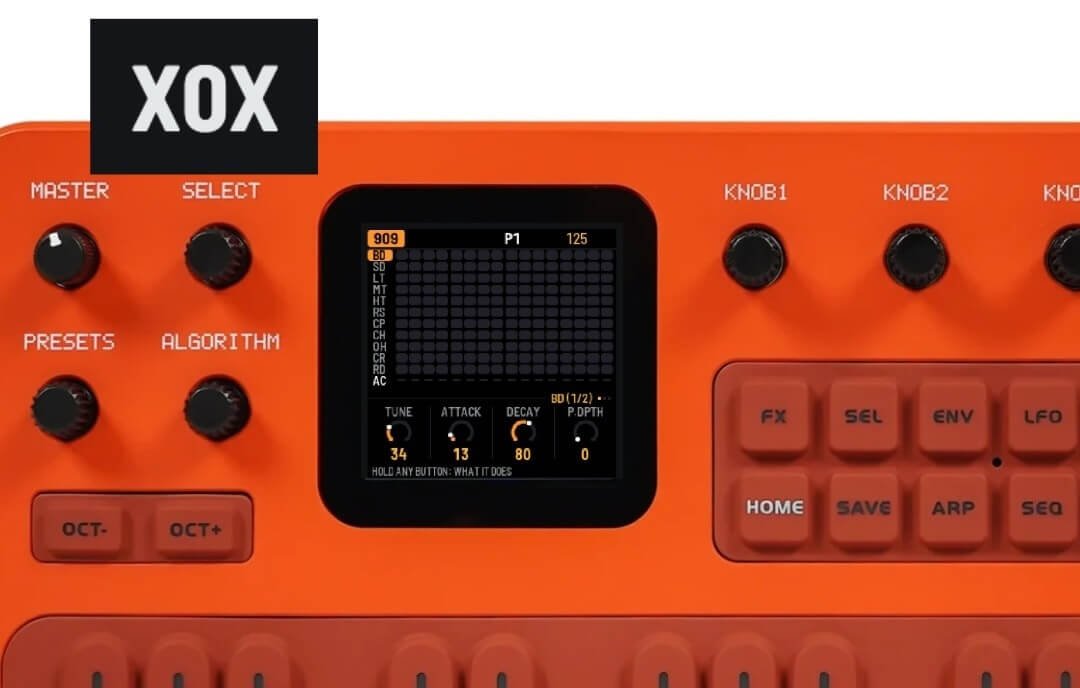
If you enjoy classic electronic music, X0X is a particularly interesting firmware alternative.
Inspired by iconic drum machines and bass synthesizers, X0X transforms the FM-1 into a compact electronic groovebox.
It brings together sounds and workflows inspired by classic Roland-style machines, making it a fun option for creating electronic rhythms and basslines.
Key features:
- 909-inspired drum machine
- 808-inspired drum machine
- Two 303-style synthesizer engines
- Breakbeat generation
- Song mode
- Stereo sound
- Sequencing and performance features
The combination of classic drum sounds and acid-style bass synthesis makes X0X a great option for anyone interested in techno, house and retro electronic production.
It’s a very different experience from the original FM-1, and that’s exactly what makes it interesting.
Price: FREE
Get it: X0X – Official GitHub Project
FM-1 Orange Available at Uniqtone Here
5. Groove OS – A Complete Portable Groovebox
Best for: Complete music production without a computer
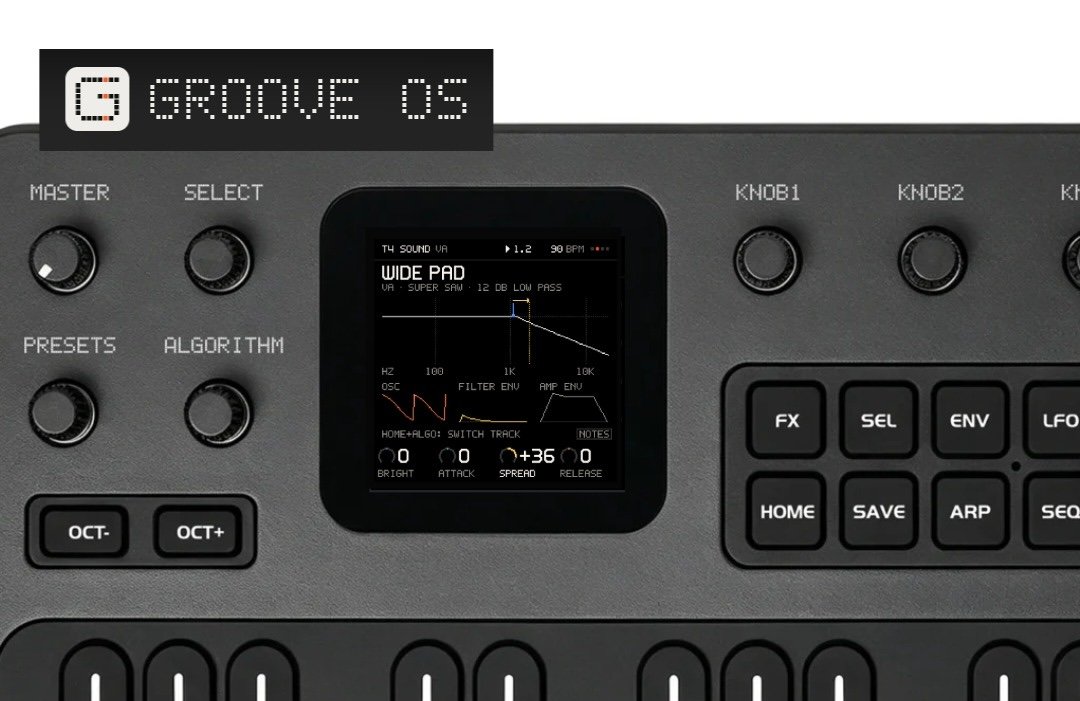
If you’re willing to spend a little extra, Groove OS is one of the most comprehensive upgrades available for the FM-1.
It transforms the device into an eight-track groovebox with multiple sound engines, a drum machine, sequencing, effects and sampling capabilities.
Groove OS is designed to let you build entire musical ideas directly on the FM-1, without relying on a computer or additional hardware.
Key features:
- Up to eight tracks
- Original FM synthesis engine
- Additional Virtual Analog synthesizer engine
- Built-in drum kits
- 64-step sequencer
- Sampling and sample chopping
- Chord pads and arpeggiator
- Built-in effects and mixer
- MIDI and Bluetooth connectivity
- Live performance features
One of the most interesting additions is its sampler. You can record sounds from your phone over Bluetooth or USB, chop them into individual samples and use them in your productions.
The second synthesizer engine also makes it possible to combine FM sounds with more traditional analog-style basses, leads and pads.
For bedroom producers and beatmakers, this is a particularly interesting way to turn the FM-1 into a standalone music-making instrument.
Groove OS is a paid independent project, but the purchase includes version 1.4 and updates within the 2.x series.
Price: $29 (one-time purchase)
Get it: Groove OS – Official Website
Other FM-1 Firmware Projects Worth Exploring
The five options above are excellent starting points, but the FM-1 firmware community is growing, and there are other interesting projects worth mentioning.
Felucca – A Multi-Engine Synthesizer
Felucca is one of the foundations of the FM-1 custom firmware ecosystem. It transforms the device into a four-track synthesizer and sequencer with 13 sound engines, effects, MIDI capabilities and extensive sound-design options.
It’s particularly interesting for musicians who enjoy experimenting with different synthesis methods and creating their own sounds.
Price: FREE
Melodee – Explore Chords and Melodies
Melodee is another firmware project based on the Felucca ecosystem.
It offers a synthesizer and sequencing environment with features designed for melodic experimentation, including chord-strumming capabilities.
It’s worth exploring if you enjoy creating melodies, harmonies and atmospheric musical ideas rather than focusing exclusively on beats and drum patterns.
Price: FREE
Which FM-1 Firmware Should You Try First?
Here’s a quick comparison to help you decide which upgrade best suits your music-making style.
| Firmware | Price | Best for |
|---|---|---|
| SLOOP | Free | Beatmaking and live jamming |
| Baud Girl FM-1+VA | Free | FM, analog and 8-bit sounds |
| FM-1 Open | Free | Multi-track music production |
| X0X | Free | Techno, house and acid |
| Groove OS | $29 | Complete groovebox workflow |
| Felucca | Free | Sound design and synthesis |
| Melodee | Free | Chords and melodies |
How to Install Alternative Firmware on Your FM-1
Most FM-1 firmware projects offer a browser-based installation process using a USB connection.
While the exact steps vary between projects, the general process is:
- Visit the official page of your chosen firmware project.
- Read the installation instructions and check compatibility.
- Back up your presets, projects and settings where supported.
- Connect your FM-1 to a computer using a USB data cable.
- Open the project’s installer in a supported browser, usually Chrome or Edge.
- Follow the instructions to install the firmware.
Important: Alternative firmware is developed by independent developers, and not every project is officially supported by M-VAVE. Always check the latest installation instructions and back up your data before making changes. Firmware updates can also change how projects and presets are stored.
You can find the original firmware and M-VAVE update utility on the official M-VAVE website.
Final Thoughts
The M-VAVE FM-1 is already an affordable and portable synthesizer, but its growing firmware ecosystem makes it an even more interesting instrument.
From the free groovebox experience of SLOOP to the additional sound engines in Baud Girl and the standalone production workflow of Groove OS, there are plenty of ways to expand what this little synthesizer can do.
Our recommendation is to start with SLOOP. It’s free, offers a very different way of making music and is a great introduction to the FM-1 custom firmware community.
If you want to experiment further, try Baud Girl or FM-1 Open. And if you’re looking for a more complete production environment, Groove OS is worth considering.
Sometimes the best way to upgrade your music gear isn’t buying something new. It’s discovering what your existing gear can already do.
Happy experimenting!

